 WordNoteOpen app
Save English from the pages you already read.
Follow the walkthrough: open a news article, set a sentence as context, capture a word or phrase, then review in WordNote — with the real source URL attached. Prefer video? Watch the tutorial below.
See WordNote in action
Sign in, set context on a sentence, save a word or phrase, then review in the app — same flow as the screenshots below.
Prefer YouTube? Open this tutorial on YouTube.
From a news page to a review card
Demo path: open a news article → Set context → save word or phrase → review in the app.
- 01
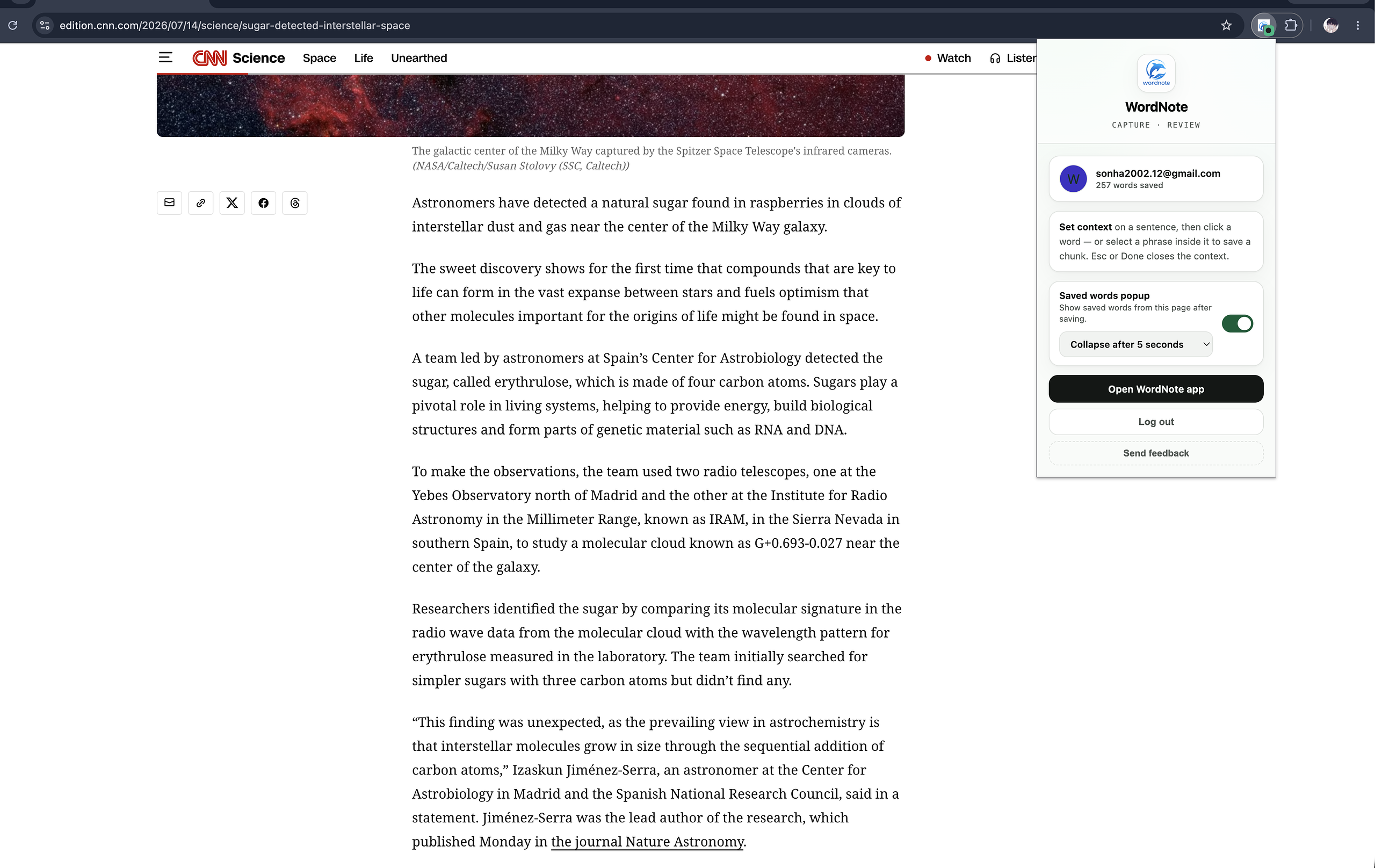
Install and sign in
Pin the WordNote extension, open the popup, and sign in once. Your session stays refreshed while you browse.
- 02
Open a news article
Open any English page you already read — for example a BBC News article. You will capture vocabulary from the real sentence on that page.
Open BBC News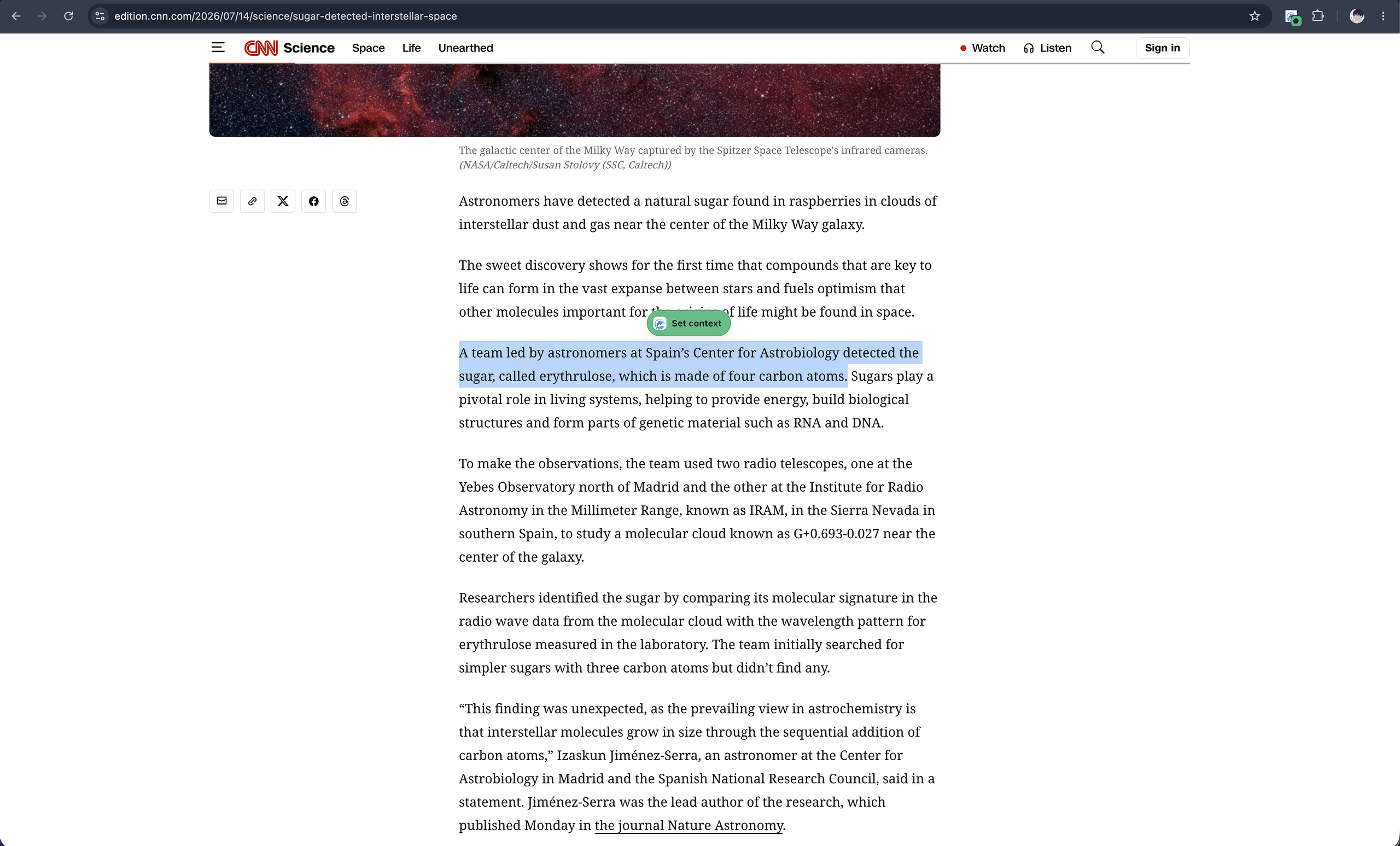
- 03
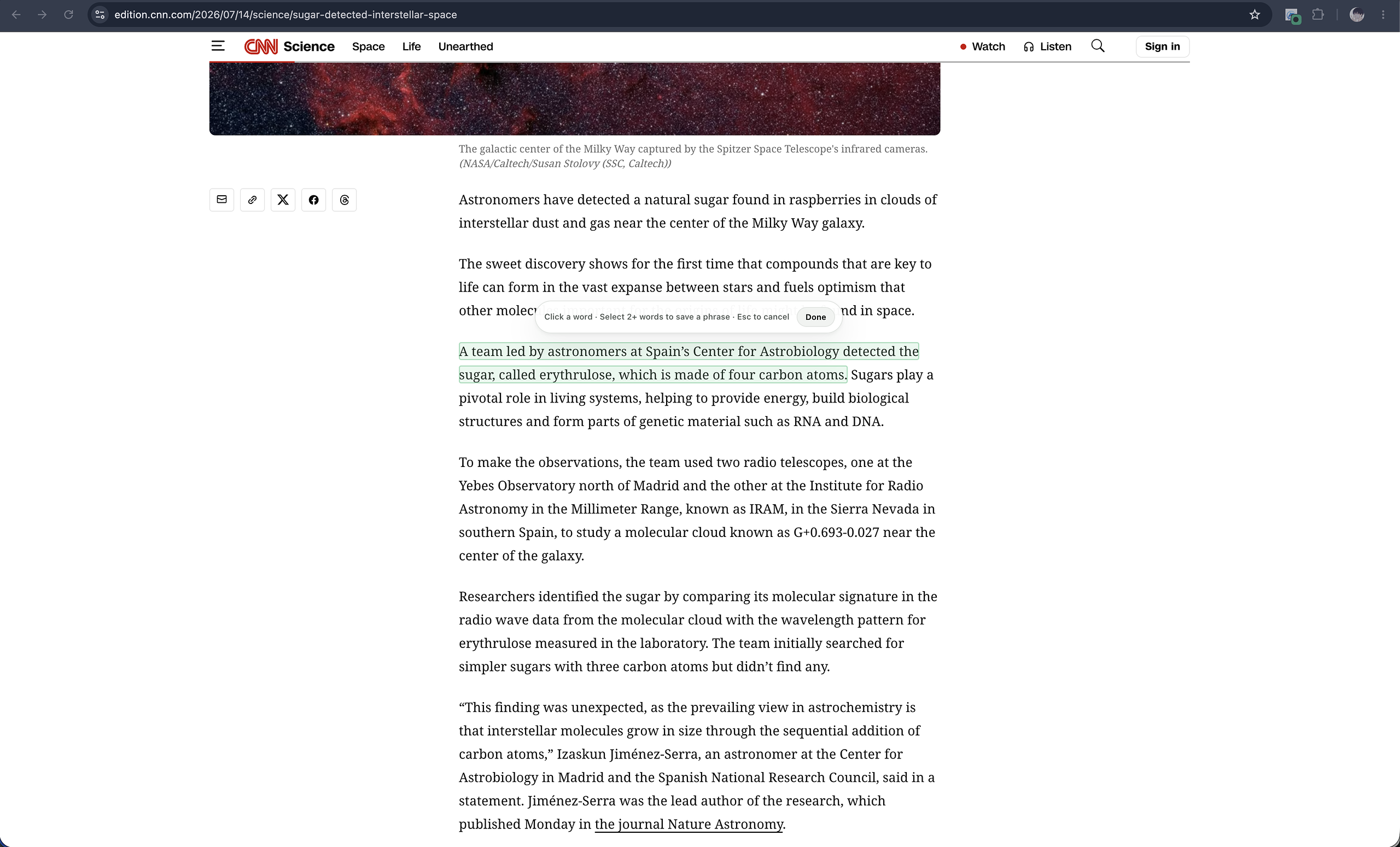
Select a sentence → Set context
Highlight one sentence or a short passage, then click Set context. Normal copy (Cmd/Ctrl+C) still works. A mint highlight and Done toolbar mean context is active.
- 04
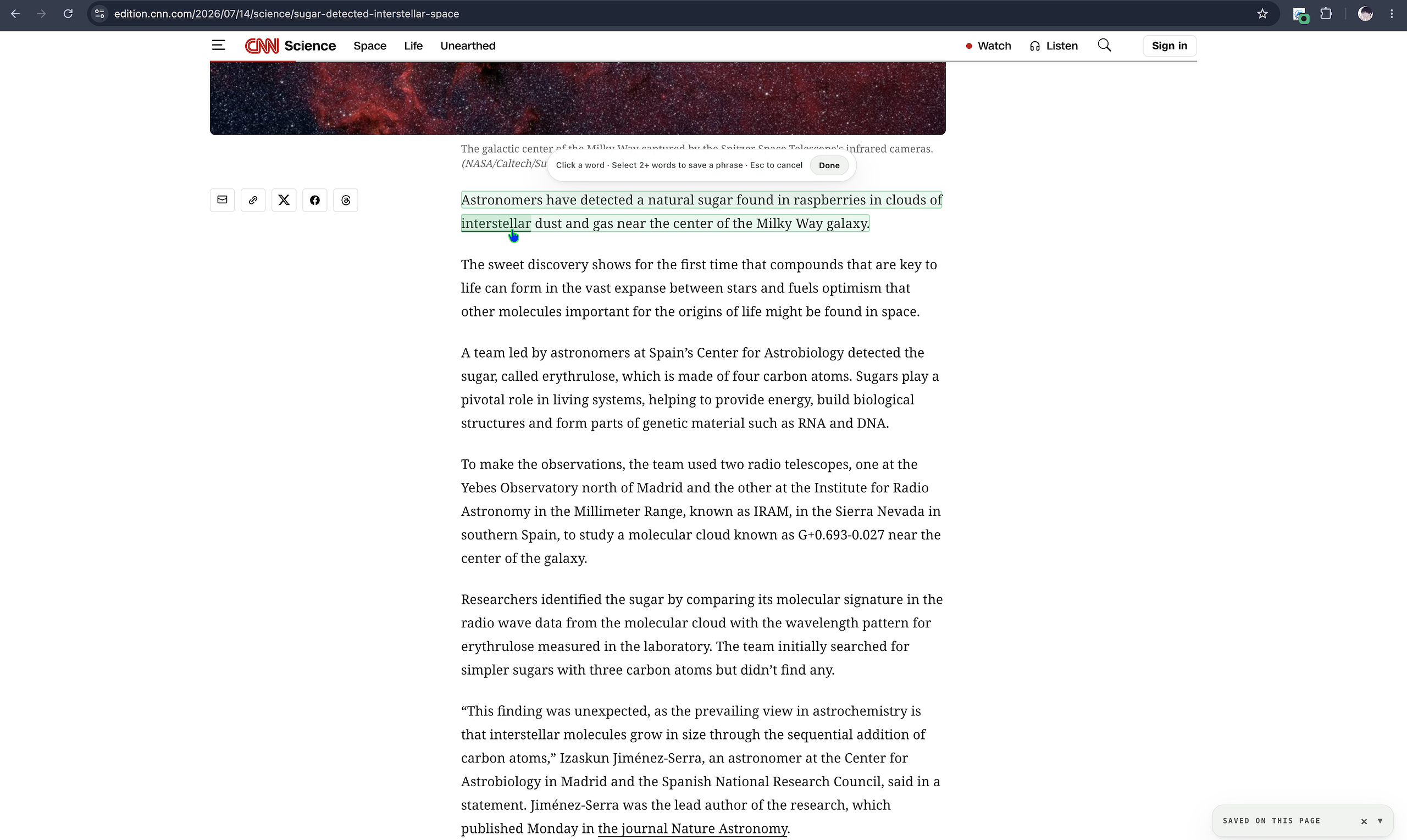
Save a word or a phrase
Click one word inside the highlight to save it — or select two or more words and click Save phrase. Context and the page URL are stored together.
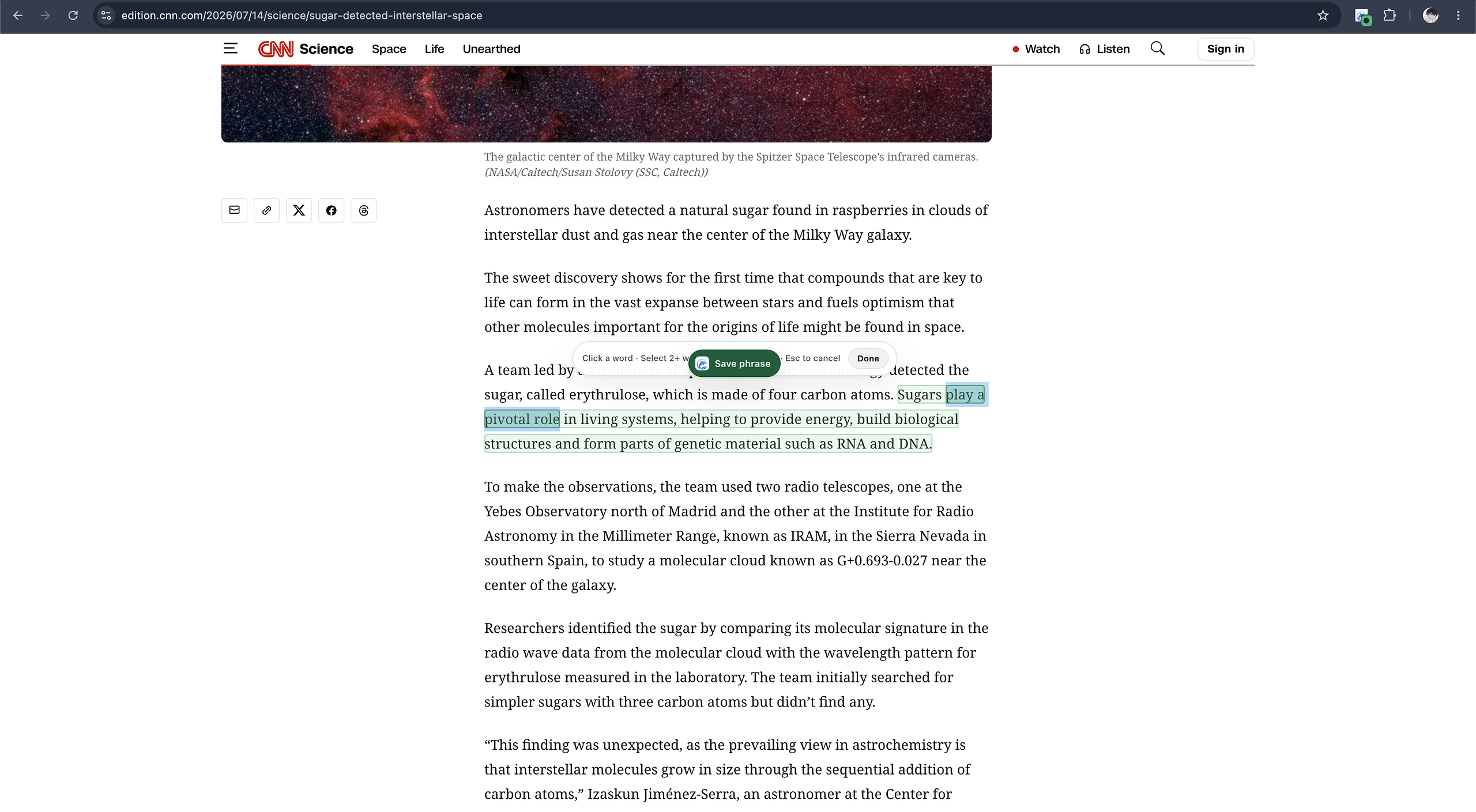
Or save a collocation - 05
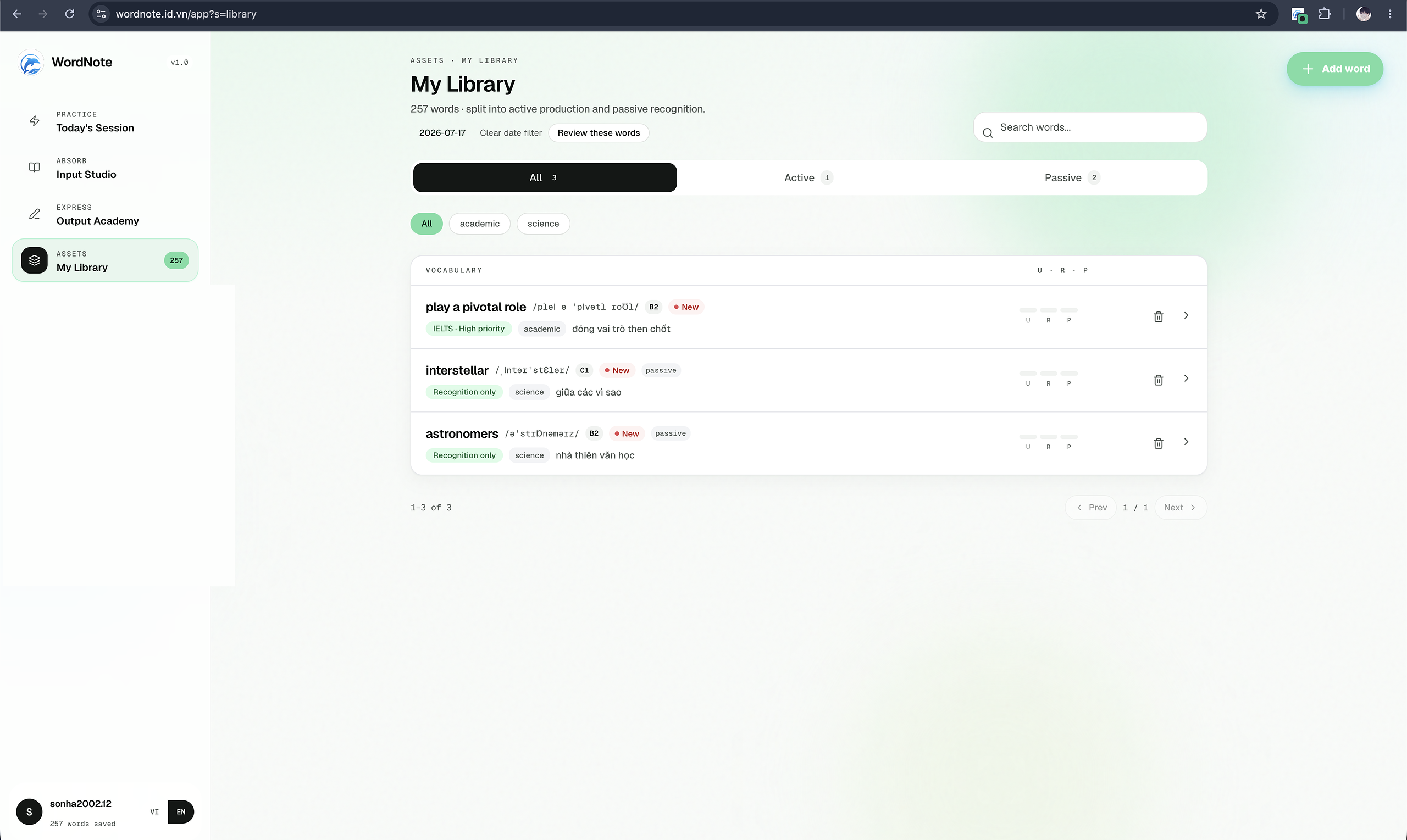
Done — review in WordNote
Press Done or Esc when you finish that passage. Open the WordNote app to review saved items in short spaced-repetition sessions.
Capture without breaking browsing
- Highlighting alone does not save anything — first Set context, then click or select inside it.
- Press Esc or Done when you finish capturing from that passage.
- Use Cmd/Ctrl + Shift + E if you prefer keyboard-first capture.